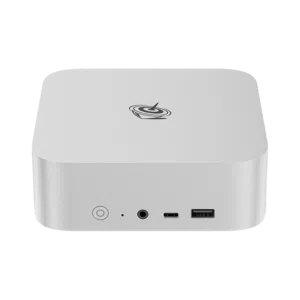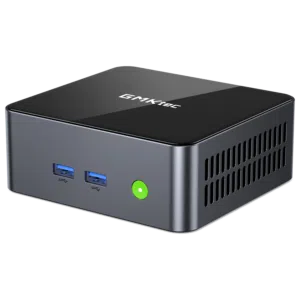


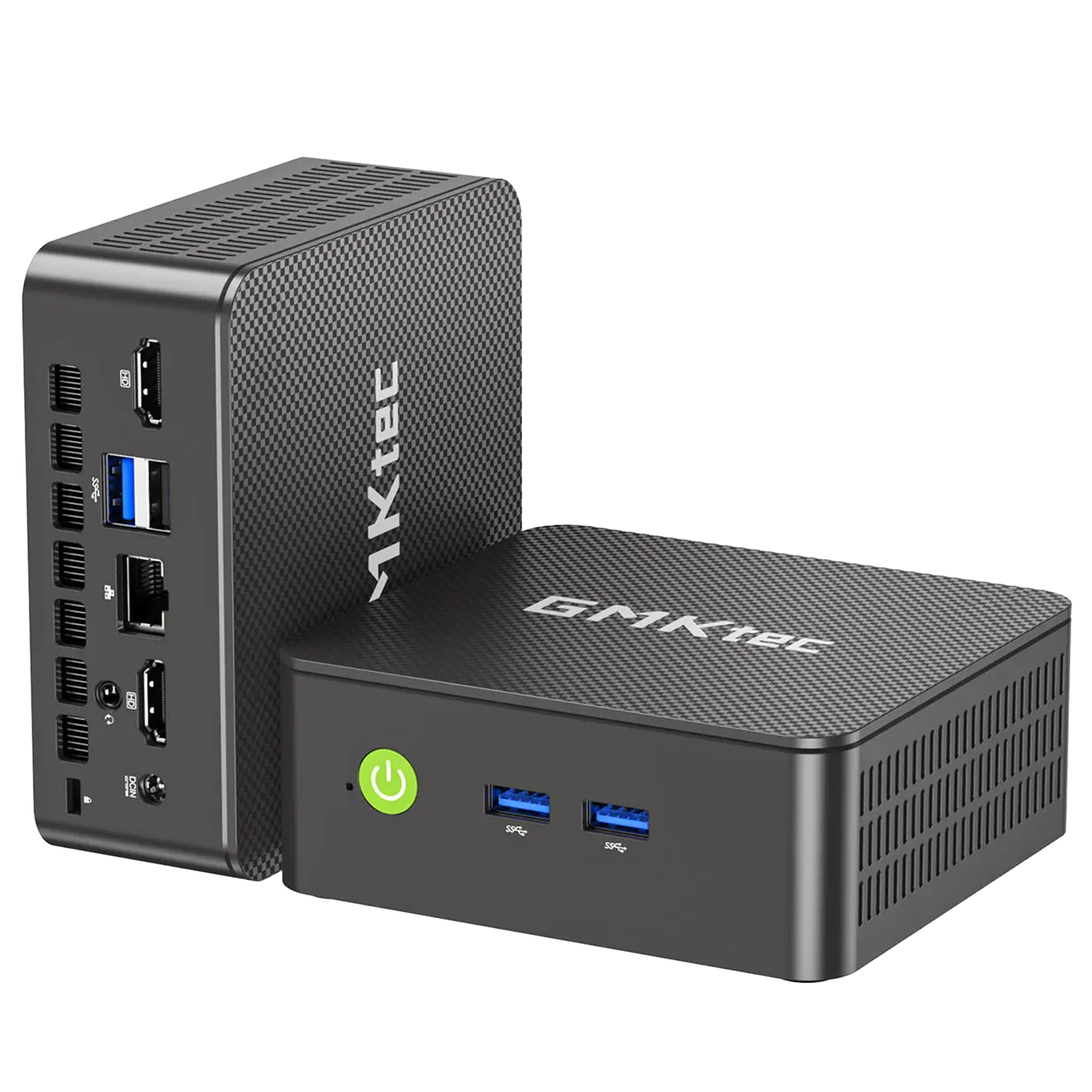
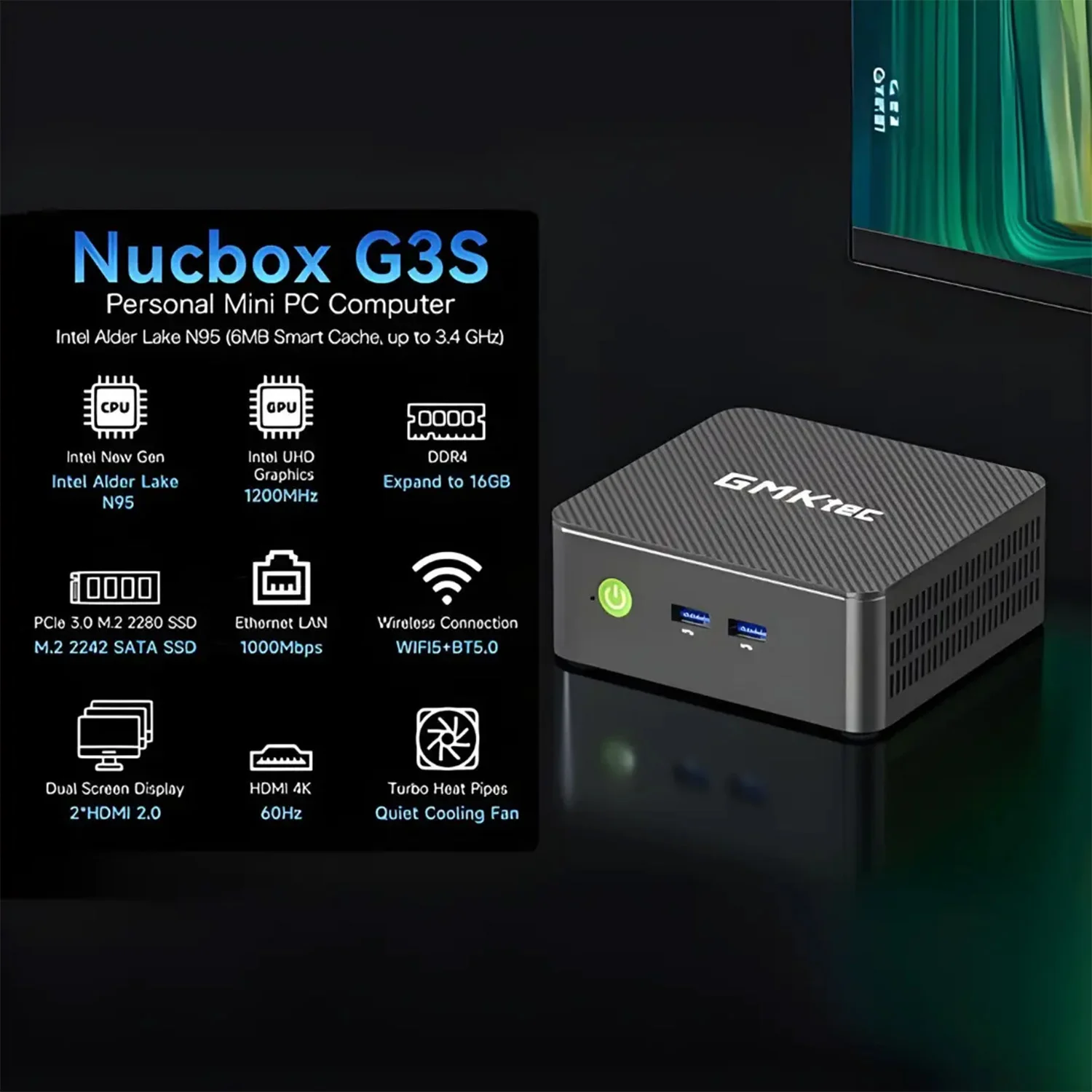
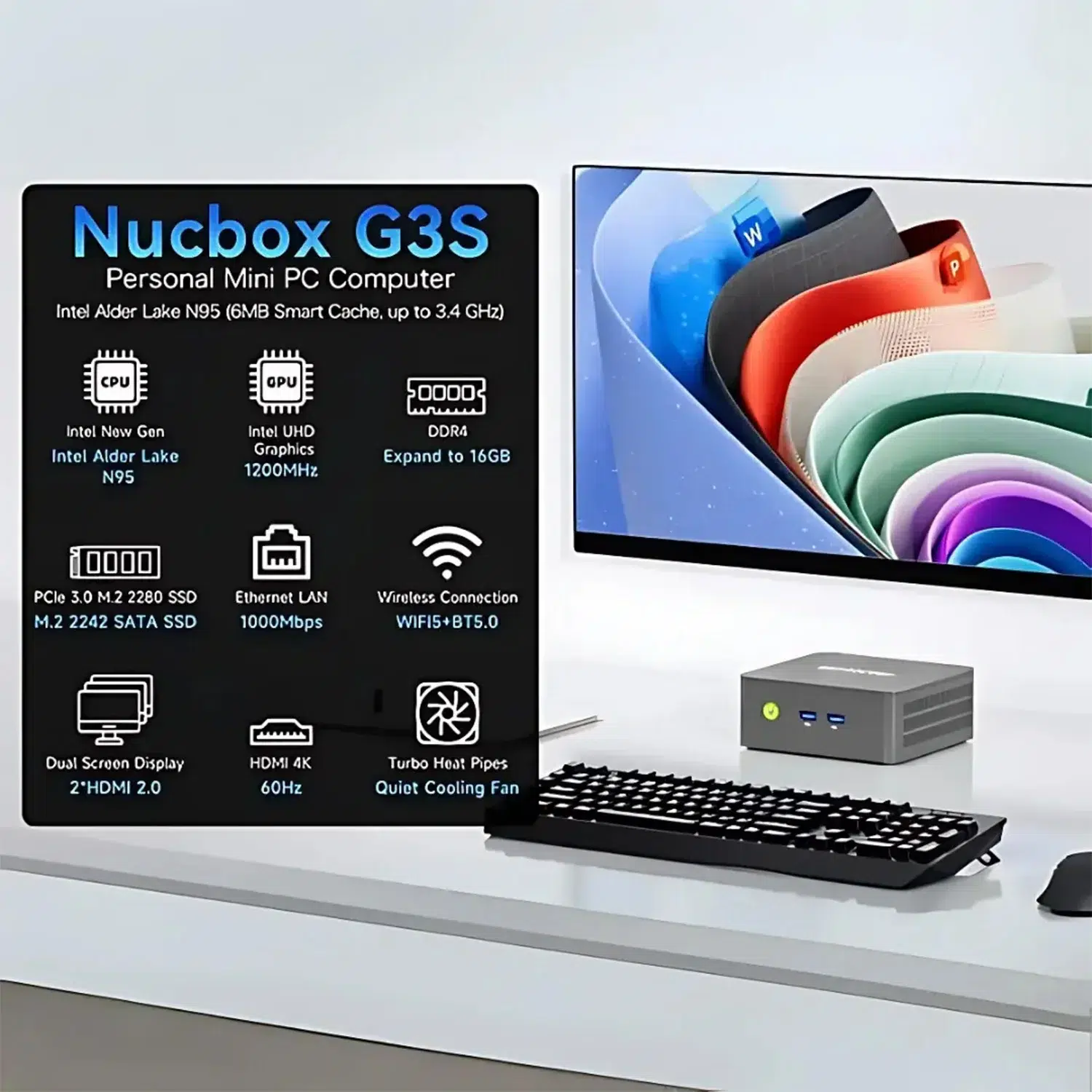
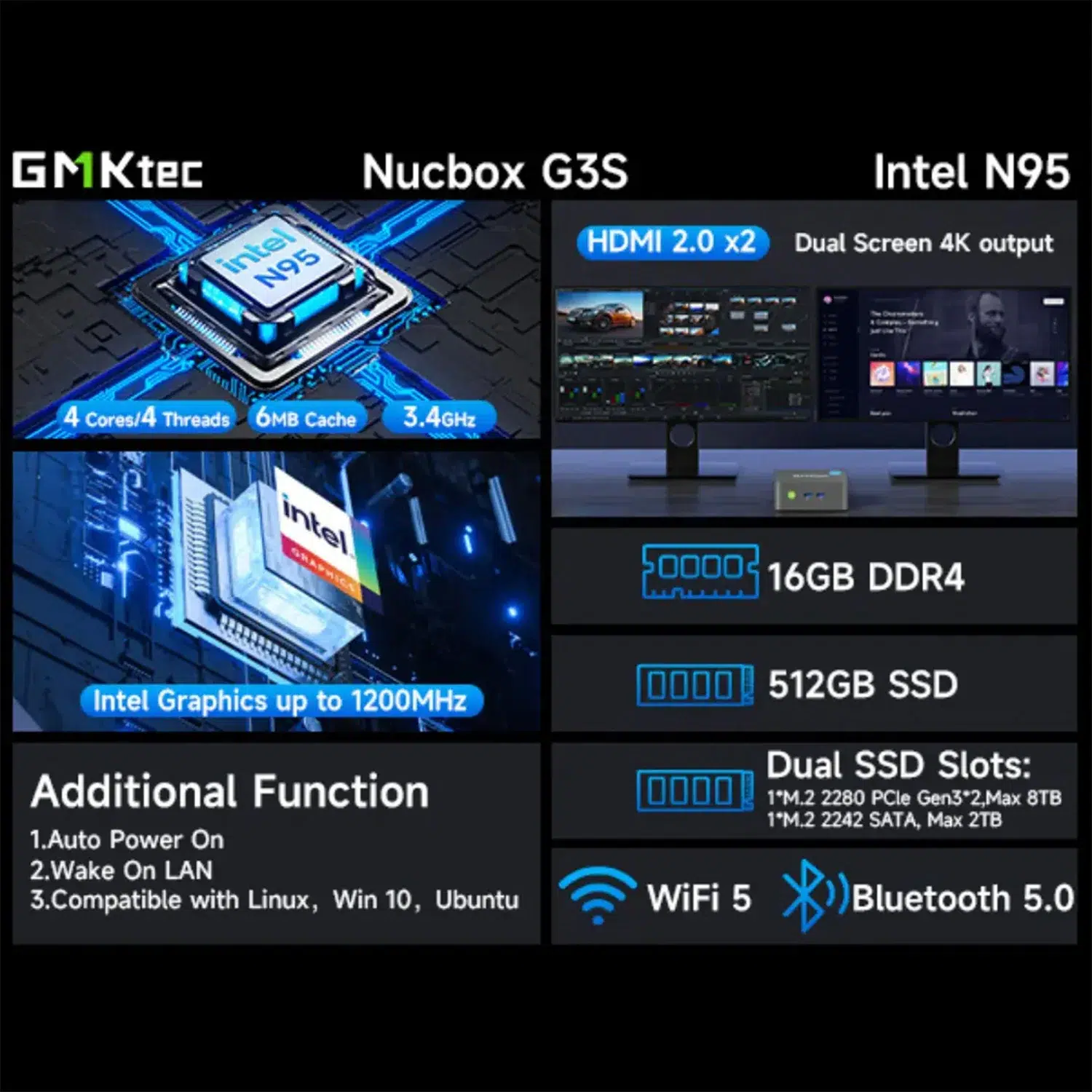
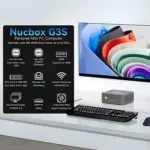
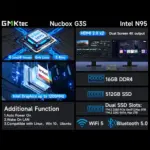



The GMKtec NucBox G3S Mini PC is a compact Windows 11 Pro desktop powered by an Intel N95 processor, 8GB DDR4 3200 MT/s memory, 256GB NVMe PCI-E Gen 3.0 storage, Intel UHD Graphics (24 EU), Wi-Fi 6, Bluetooth 5.2, dual HDMI 2.0 outputs and a practical mix of USB ports. It is built for users who want a small, efficient PC for everyday productivity, web work, media, office tasks, signage, light creative use and compact desktop setups — backed by the official DROIX warranty and fast global shipping.
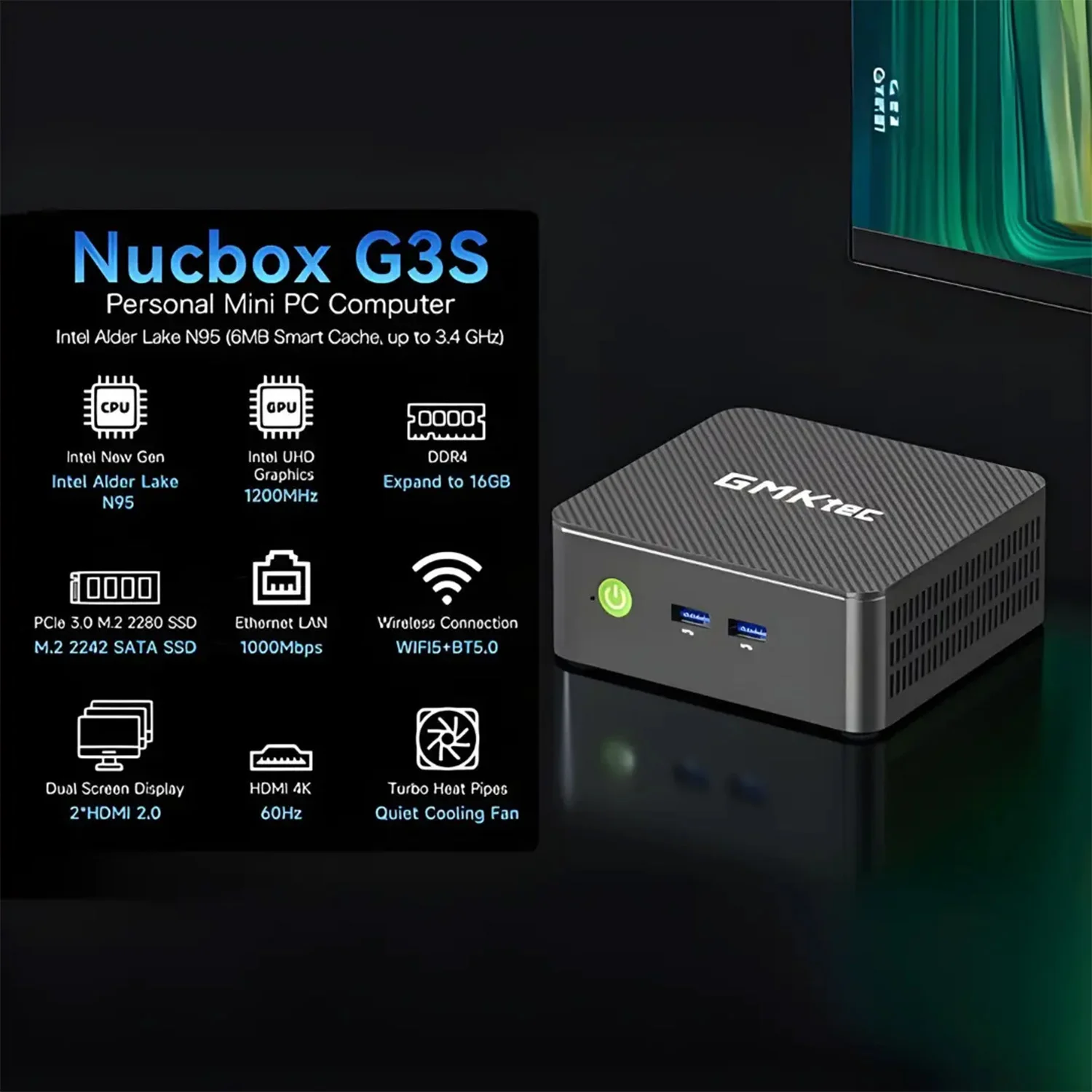
GMKtec NucBox G3S Mini PC: Compact Windows 11 Pro Computing Without the Desktop Bulk
The GMKtec NucBox G3S Mini PC gives you a proper Windows desktop experience in a compact, low-profile form factor that is easy to place on a desk, behind a monitor, beside a TV or inside a workspace where a full tower simply does not make sense. For home offices, education, reception desks, media setups and lightweight workstation use, it delivers the essentials that matter: a modern Intel processor, fast NVMe storage, dual-display output and dependable wireless connectivity.
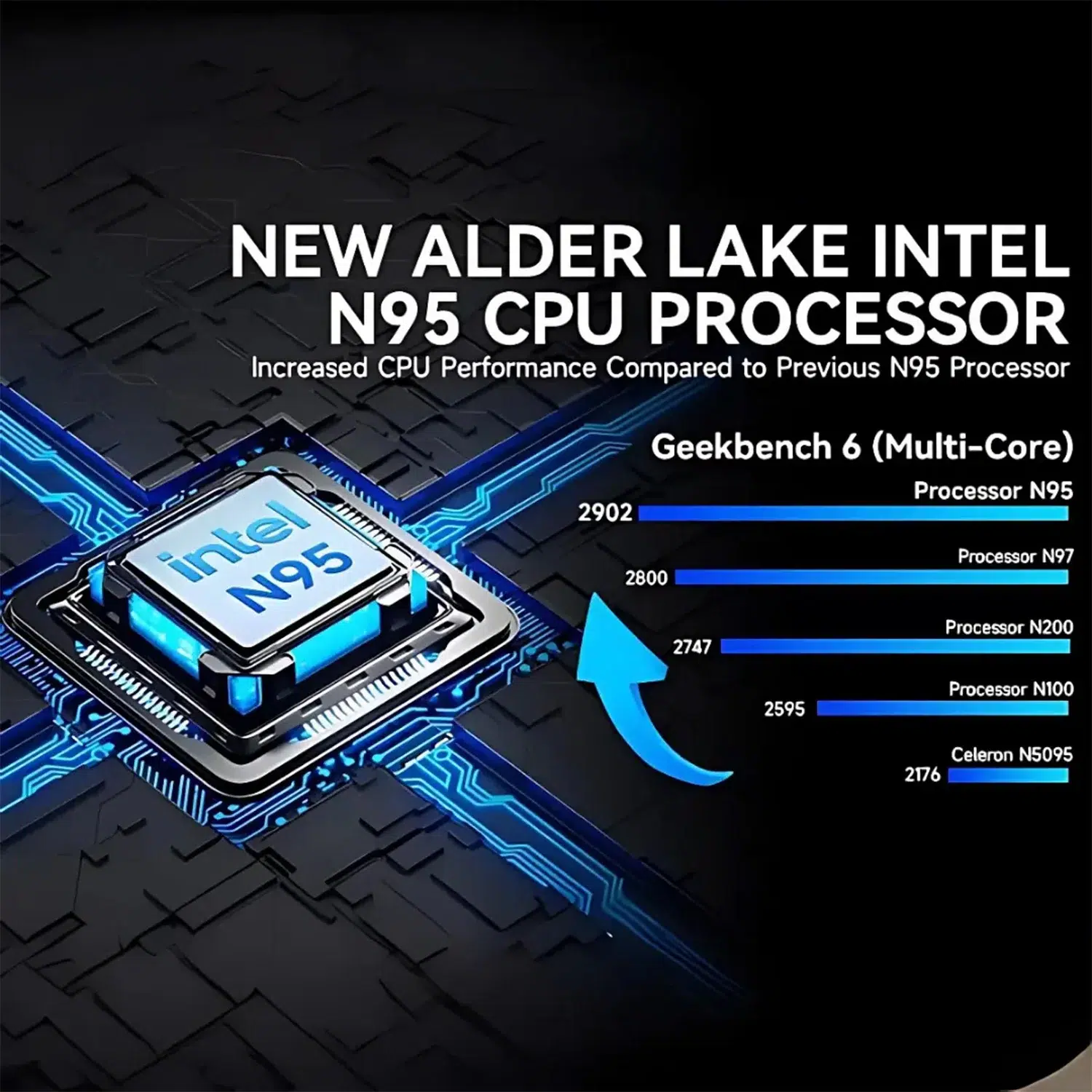
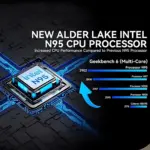
At its core is the Intel N95, a 2023 Intel processor with 4 cores, 4 threads, 4MB L2 cache, 6MB L3 cache and a 15W Default TDP. That combination makes this GMKtec mini PC especially well suited to everyday workloads where efficiency, responsiveness and quiet desk-friendly operation matter more than raw gaming GPU power.
You also get Windows 11 Pro pre-installed, which is a major advantage if you want a compact mini PC that is ready for real productivity from day one. You can install your usual Windows applications, sign in to cloud services, run browser-based tools, connect peripherals and use it like any standard desktop PC — just in a dramatically smaller footprint.
- Intel N95 processor with 4 cores and 4 threads for everyday computing, office work and browsing.
- 8GB DDR4 3200 MT/s memory for smooth multitasking across common desktop apps.
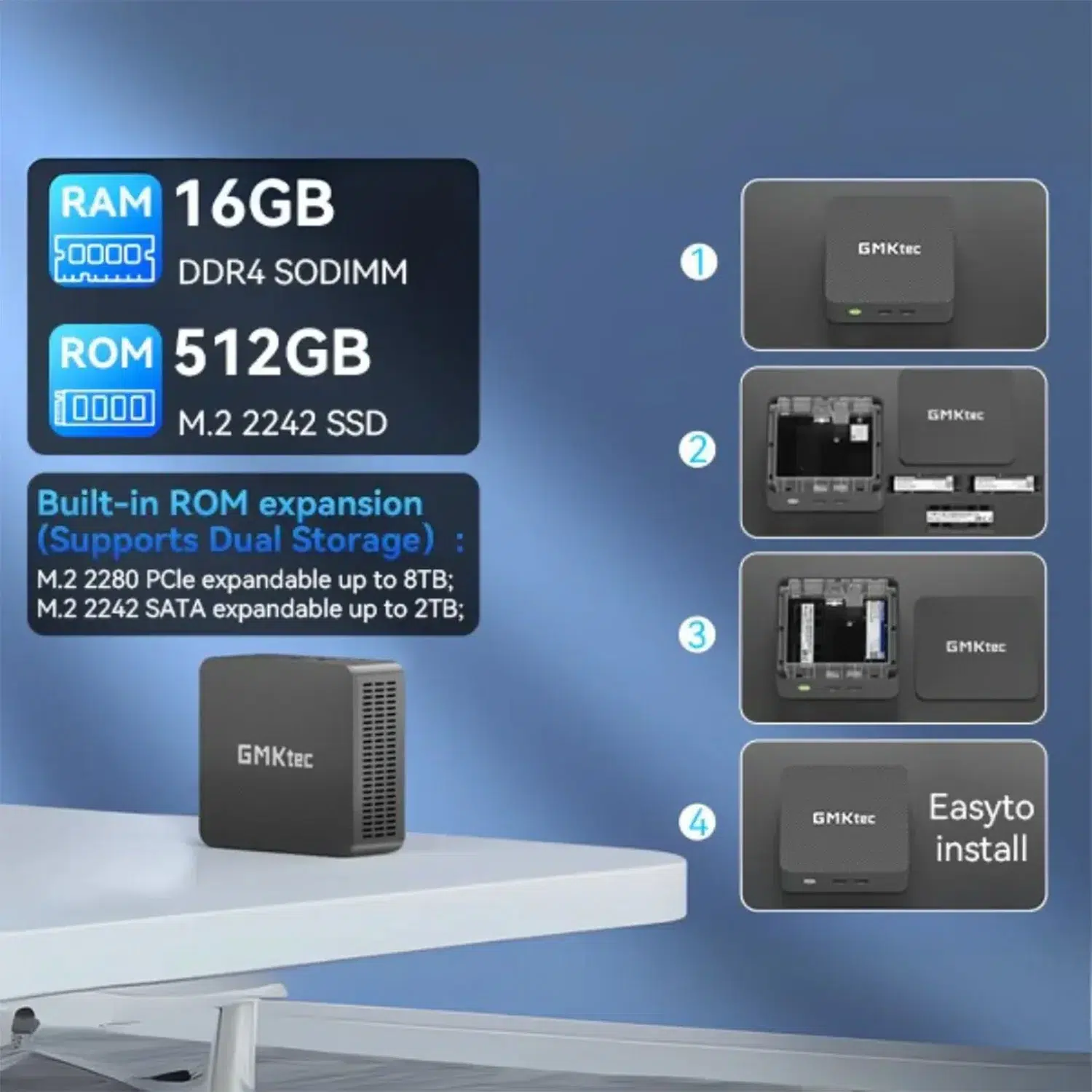
- 256GB NVMe PCI-E Gen 3.0 storage for faster boot times and app loading than older SATA-style storage.
- Intel UHD Graphics (24 EU) with DirectX 12, OpenGL 4.6 and OpenCL 3 support for desktop graphics, media and compatible visual workloads.
- 2× HDMI 2.0 ports for a dual-monitor setup without needing an adapter.
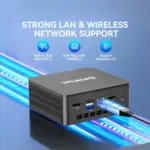
- Wi-Fi 6, Bluetooth 5.2 and 1× Ethernet RJ45 for flexible wired and wireless networking.
- Windows 11 Pro pre-installed, giving you access to the full Windows software ecosystem.
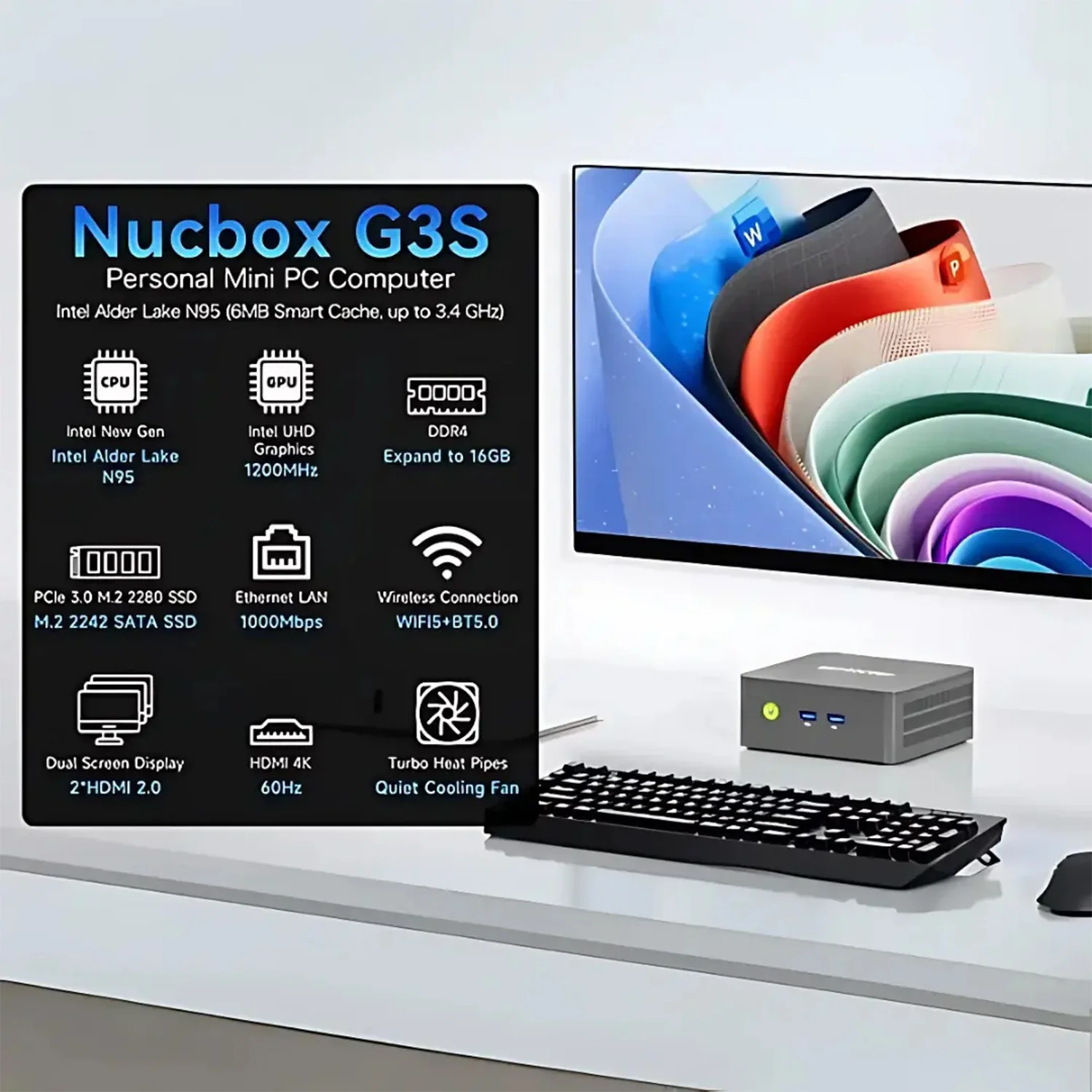
A Mini PC for Clean Desks, Home Offices and Everyday Productivity
The GMKtec NucBox G3S is made for the kind of setup many of us actually want: a clean desk, less cable clutter and a PC that does not dominate your workspace. With product dimensions of 18 × 21 × 12 cm and a weight of 0.7 kg, it is easy to position where a traditional desktop tower would be awkward, oversized or simply unnecessary.
This is where a compact mini PC becomes genuinely useful. You can pair it with a monitor, keyboard and mouse for a complete Windows workstation, use it as a dedicated PC for a meeting room display, or connect it to a TV for media and browser-based streaming tasks. The small chassis does not change the way you work; it removes the physical bulk from the equation.
For tech enthusiasts, the appeal is also in efficiency. The 15W Default TDP of the Intel N95 helps the NucBox G3S fit neatly into always-ready computing roles — such as a lightweight desktop, home admin PC, thin-client style workstation or compact system for remote access — where leaving a large power-hungry tower running would be overkill.
Why the compact form factor matters
A smaller PC is not just about saving space. It changes where you can deploy Windows. You can build a discreet dual-monitor productivity station, install a PC in a shared family area, keep a clutter-free reception desk, or create a dedicated workstation for browser dashboards, office files, web apps and cloud tools.
The GMKtec NucBox G3S Mini PC is particularly strong as a “set it and use it” system: connect power, display, peripherals and network, then work in the Windows environment you already know.
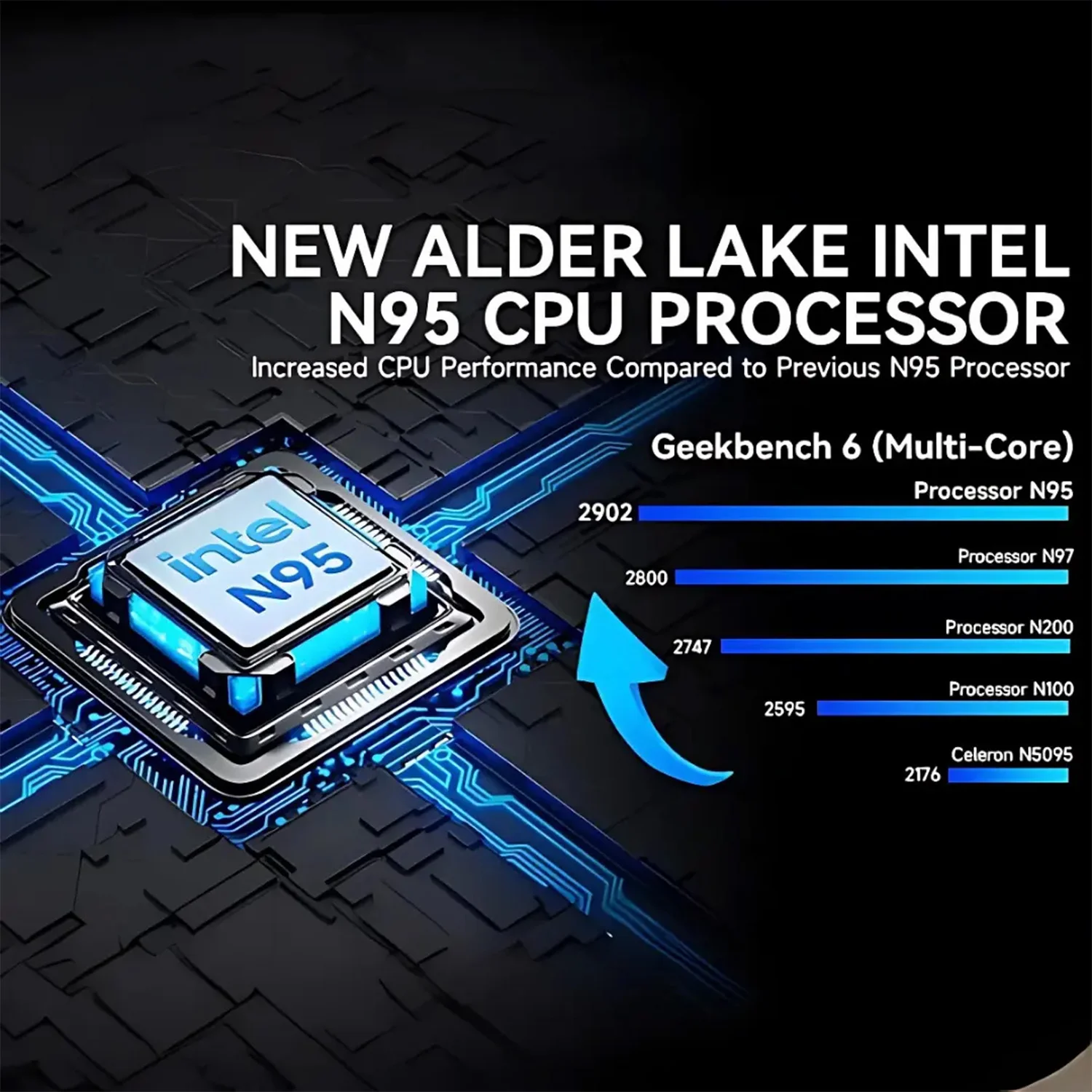
Intel N95 Performance for Responsive Everyday Windows Computing
The Intel N95 processor is the performance foundation of the GMKtec NucBox G3S. With 4 cores, 4 threads, 4MB L2 cache, 6MB L3 cache and a 15W Default TDP, it is tuned for practical desktop tasks rather than oversized, power-heavy computing.
In real-world use, that means the NucBox G3S is a strong fit for web browsing with multiple tabs, email, office documents, spreadsheets, video calls, cloud dashboards, learning platforms and business applications. It gives you enough processing headroom for the day-to-day jobs that most compact PCs are bought for, while keeping the system small and efficient.
The 4-core, 4-thread design is important because modern Windows usage rarely means doing one thing at a time. You may have a browser open, a document in progress, a messaging app running, a video call active and cloud storage syncing in the background. The Intel N95 gives the system the CPU structure needed to keep those everyday workloads moving without turning the machine into a bulky desktop tower.
Built for the workloads that matter in a compact desktop
- Office productivity: Work in documents, spreadsheets, presentations and browser-based admin tools.
- Web and cloud workflows: Use modern web apps, dashboards, CRM tools, email platforms and learning environments.
- Media and communication: Run video calls, streaming services and local media playback through Windows apps or the browser.
- Dedicated PC roles: Deploy it for signage, kiosks, reception desks, lightweight server-style access tasks or remote desktop use where a full tower would be excessive.
It is not positioned as a high-end gaming PC or graphics workstation, and that honesty matters. The strength of the GMKtec NucBox G3S is efficient, compact, everyday Windows performance with hardware that is properly matched to home, office and business use.
8GB DDR4 Memory and 256GB NVMe Storage Keep Your Mini Desktop Snappy
The NucBox G3S pairs its Intel processor with 8GB DDR4 memory running at 3200 MT/s. For a compact Windows 11 Pro mini PC, that is a sensible configuration for everyday multitasking: browser sessions, office tools, streaming apps, communication software and background utilities can all run in the environment you are used to.
Storage is handled by a 256GB NVMe PCI-E Gen 3.0 drive. The key detail here is NVMe: compared with older storage types, NVMe PCI-E storage is designed for faster access to your operating system, applications and files. In practice, that helps the system feel more immediate when booting Windows, launching apps and moving between tasks.
What this configuration enables
- Fast Windows startup: The 256GB NVMe PCI-E Gen 3.0 drive helps Windows 11 Pro load quickly and keeps everyday app launches responsive.
- Smooth common multitasking: 8GB DDR4 3200 MT/s is well matched to office apps, browser-based work, streaming, calls and general productivity.
- Practical local storage: 256GB gives you space for Windows, core applications, documents, media and frequently used files.
- Efficient desktop use: The memory and storage pairing supports the NucBox G3S as a compact daily-use PC rather than a single-purpose appliance.
If your workflow lives heavily in cloud storage, browser apps and external drives, this configuration is especially attractive. You get the speed advantage of NVMe for the system drive while keeping the machine compact, affordable in spirit and easy to deploy.
Intel UHD Graphics with Dual HDMI 2.0 for Practical Multi-Screen Work
The GMKtec NucBox G3S uses Intel UHD Graphics (24 EU), with 24 cores and a 800MHz graphics frequency. It also supports DirectX 12, OpenGL 4.6 and OpenCL 3, giving you the compatibility needed for the Windows desktop, media playback, common visual applications and light graphics-accelerated tasks.
The most useful graphics feature for many buyers is the display output. With 2× HDMI 2.0 ports, you can connect two monitors directly to the mini PC. That instantly makes the NucBox G3S more capable as a productivity machine, because dual screens are one of the simplest upgrades you can make to how you work.
Why dual HDMI matters
A dual-monitor setup lets you keep a document on one screen and research on the other, run a dashboard beside a spreadsheet, monitor communications while working, or separate video calls from notes and browser tabs. You do not need to rely on a dock or adapter for two HDMI displays — the ports are built in.
The integrated graphics specification also includes HDMI 2 and DisplayPort 1.2 support at the graphics level. On the physical port layout provided for this model, the key display outputs are the 2× HDMI 2.0 ports, which makes monitor compatibility straightforward for home and office users.
For retro gaming, lightweight Windows games, streaming, media playback and emulation of less demanding systems, the Intel UHD Graphics hardware gives you a useful integrated graphics platform. For modern AAA gaming or GPU-heavy 3D work, you should look at a dedicated gaming handheld or higher-powered mini PC instead — but for compact desktop visuals, the G3S is exactly in its lane.
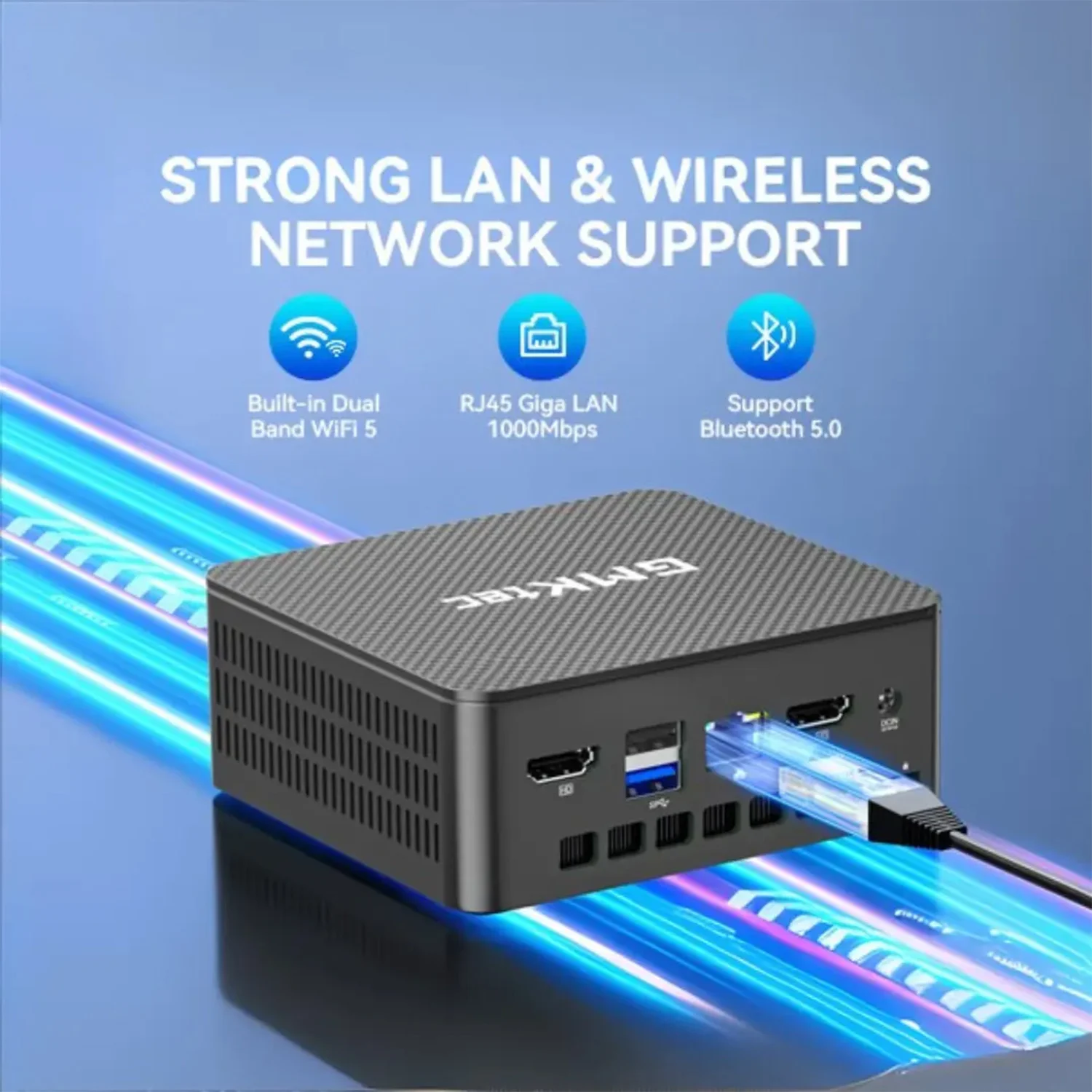
Wi-Fi 6, Bluetooth 5.2 and Ethernet Give You Flexible Connectivity
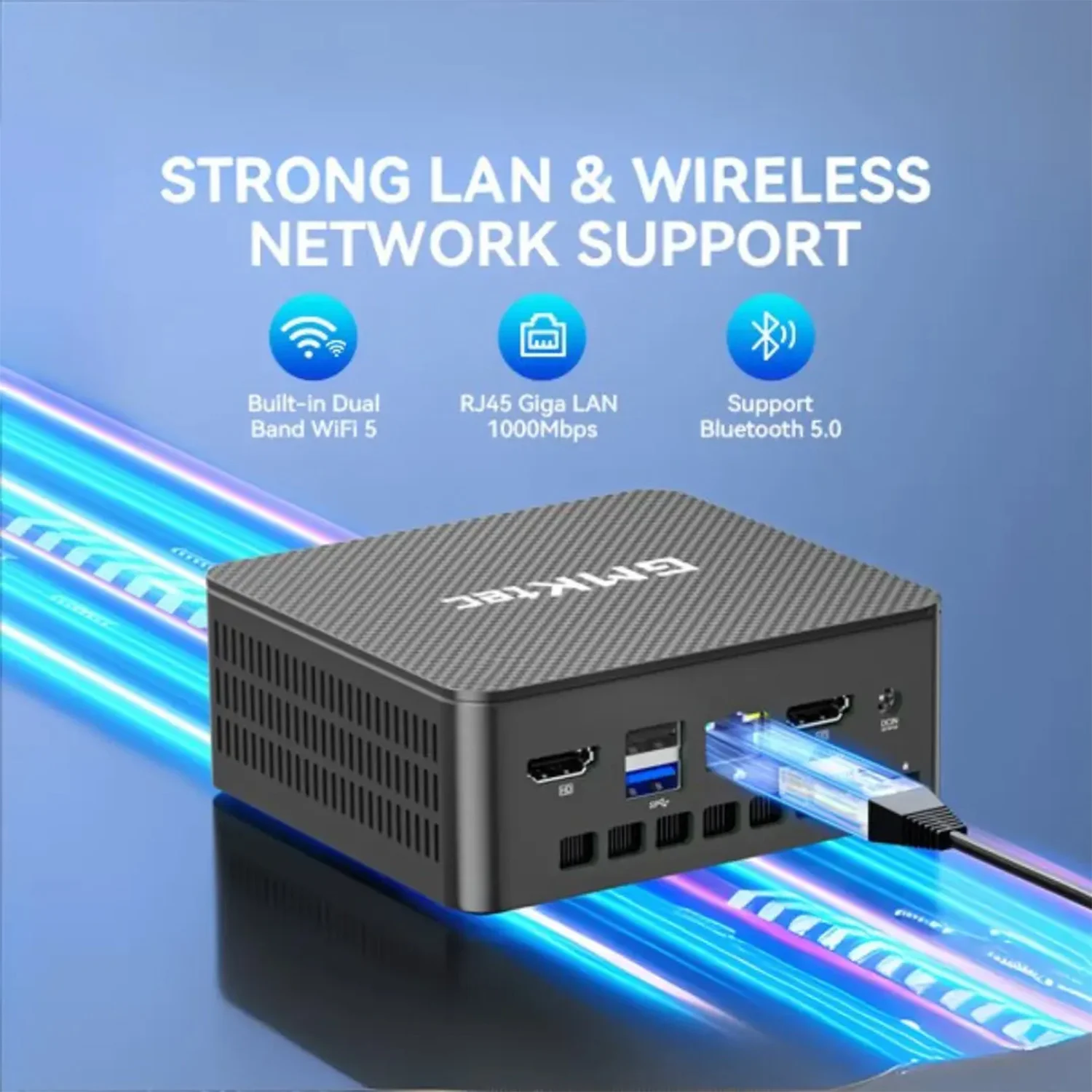
Connectivity is one of the most important parts of any compact mini PC, and the GMKtec NucBox G3S gives you the right mix: Wi-Fi 6 for modern wireless networking, Bluetooth 5.2 for wireless peripherals, and 1× Ethernet RJ45 for a dependable wired network connection.
Wi-Fi 6 is ideal when you want to place the mini PC away from your router or avoid running cables across a room. It supports modern wireless networking environments and is a good match for browser-based work, cloud documents, streaming, online meetings and downloads.
Bluetooth 5.2 unlocks the tidy, cable-light setup that makes a mini PC feel modern. Pair a Bluetooth keyboard and mouse, connect wireless headphones, or use compatible Bluetooth speakers for a cleaner desk. For a living-room or media setup, that flexibility can be the difference between a PC that feels integrated and one that feels like a bundle of cables.
The Ethernet RJ45 port is just as important. If you are using the NucBox G3S for work, signage, a fixed desk, a reception system or any role where reliability matters, wired networking gives you a stable option without relying entirely on wireless conditions.
Ports that support a real desktop setup
- 2× USB Type-A 3.0 ports for everyday peripherals such as keyboards, mice, flash drives and accessories.
- 2× USB Type-A 3.2 Gen 2 ports for faster USB accessories and external storage devices.
- 1× USB Type-C 3.2 port for modern USB-C peripherals.
- 1× 3.5mm headphone & microphone jack for headsets, speakers or wired audio setups.
- 2× HDMI 2.0 ports for direct dual-display output.
- 1× Ethernet RJ45 for wired network access.
That port selection is a major part of the G3S value. You can connect two monitors, wired networking, USB accessories and audio without turning your desk into an adapter collection.
Windows 11 Pro Mini PC Ecosystem: Run the Software You Already Use
The operating system defines what a mini PC can actually become in your setup, and the GMKtec NucBox G3S Mini PC arrives with Windows 11 Pro pre-installed. That means you are not limited to a locked-down appliance experience. You get the familiar Windows desktop, full application support and the flexibility to configure the system around your workflow.
For productivity, Windows 11 Pro lets you run office suites, web browsers, remote desktop tools, communication platforms, security software, cloud sync apps and specialist Windows programs. If your work or hobby depends on a Windows application, this is the kind of compact PC that can sit quietly on your desk and run it.
For entertainment and casual use, Windows gives you access to streaming apps, browser-based media services, local playback software and game platforms. This is not a dedicated AAA gaming machine, but as a Windows mini PC for light gaming, retro titles, cloud gaming services and media tasks, the software ecosystem is a major advantage.
What Windows 11 Pro enables on the NucBox G3S
- Full desktop applications: Install standard Windows software rather than relying only on mobile-style apps.
- Work and study flexibility: Use browser tools, office documents, online learning platforms and remote work services.
- Peripheral compatibility: Connect common USB, Bluetooth, display and audio devices supported by Windows.
- Media and entertainment: Use Windows browsers and apps for streaming, playback and casual gaming.
- Business deployment: Windows 11 Pro makes sense for office environments, shared workstations and compact business PCs.
For many buyers, this is the real reason to choose a Windows mini PC over a single-purpose media box. You can adapt the GMKtec NucBox G3S as your needs change: home office today, media PC tomorrow, signage player next month, or a dedicated lightweight workstation for a specific task.
Specs in Context: What the GMKtec NucBox G3S Specifications Mean for You
Spec sheets are useful, but the real question is what each specification changes in your day-to-day experience. Here is how the key GMKtec NucBox G3S hardware translates into practical benefits.
- Intel N95 processor: A 4-core, 4-thread Intel CPU designed for efficient everyday computing, office applications, browsing and compact desktop roles.
- 15W Default TDP: Helps the system stay well suited to small-form-factor use where efficiency and low power draw matter.
- 8GB DDR4 3200 MT/s memory: Gives Windows 11 Pro enough working memory for common multitasking across browsers, documents, email and media apps.
- 256GB NVMe PCI-E Gen 3.0 storage: Makes the PC feel more responsive when starting Windows, launching applications and accessing files.
- Intel UHD Graphics (24 EU): Handles desktop visuals, media playback, light graphics tasks and compatible casual gaming workloads.
- DirectX 12, OpenGL 4.6 and OpenCL 3: Provides broad graphics API compatibility for Windows applications that rely on integrated graphics acceleration.
- 2× HDMI 2.0 ports: Lets you build a dual-monitor workstation straight from the mini PC.
- Wi-Fi 6: Supports modern wireless networking for browsing, cloud apps, video meetings and streaming.
- Bluetooth 5.2: Enables wireless keyboards, mice, headphones, speakers and other compatible accessories.
- 1× Ethernet RJ45: Gives you a stable wired network option for fixed desks, office deployments and reliability-focused use.
- 2× USB Type-A 3.0, 2× USB Type-A 3.2 Gen 2 and 1× USB Type-C 3.2: Provides a flexible mix of ports for accessories, input devices and external storage.
- 18 × 21 × 12 cm and 0.7 kg: Makes the system easy to place in tight workspaces, shared areas and minimal desk setups.
This is not a mini PC trying to be everything at once. It is focused, practical and well specified for the jobs most people need from a compact Windows desktop.
Real-World Use Cases for This Compact Intel N95 Mini PC
The GMKtec NucBox G3S works best when you use its strengths deliberately: small size, Windows 11 Pro, efficient Intel processing, dual HDMI and flexible connectivity. Here are the scenarios where it makes the most sense.
Home office and everyday productivity
Connect the G3S to one or two monitors via its 2× HDMI 2.0 ports, add a keyboard and mouse, and you have a compact Windows 11 Pro workstation for documents, spreadsheets, email, browsing and video calls. The 8GB DDR4 3200 MT/s memory and 256GB NVMe PCI-E Gen 3.0 storage keep the everyday experience responsive without needing a large desktop tower.
Media PC for a living room or shared space
Because it is small and light at 0.7 kg, the NucBox G3S is easy to place near a TV or display. Windows 11 Pro gives you browser and app flexibility, while Wi-Fi 6, Bluetooth 5.2 and the 3.5mm headphone & microphone jack help you connect networks, controllers, keyboards, headphones and audio devices depending on your setup.
Business, reception and signage deployments
For fixed installations, the combination of Windows 11 Pro, 1× Ethernet RJ45, 2× HDMI 2.0 and efficient Intel N95 performance is highly practical. Use it for a reception desk, browser dashboard, information display, training station or compact business PC where reliability, small size and familiar Windows management matter.
Education, learning and family computing
The GMKtec NucBox G3S is also a smart fit for student work, online learning, research and shared family computing. It can sit neatly on a small desk, connect to existing USB accessories, support wireless peripherals via Bluetooth 5.2, and run the Windows tools needed for homework, coursework, video lessons and everyday browsing.
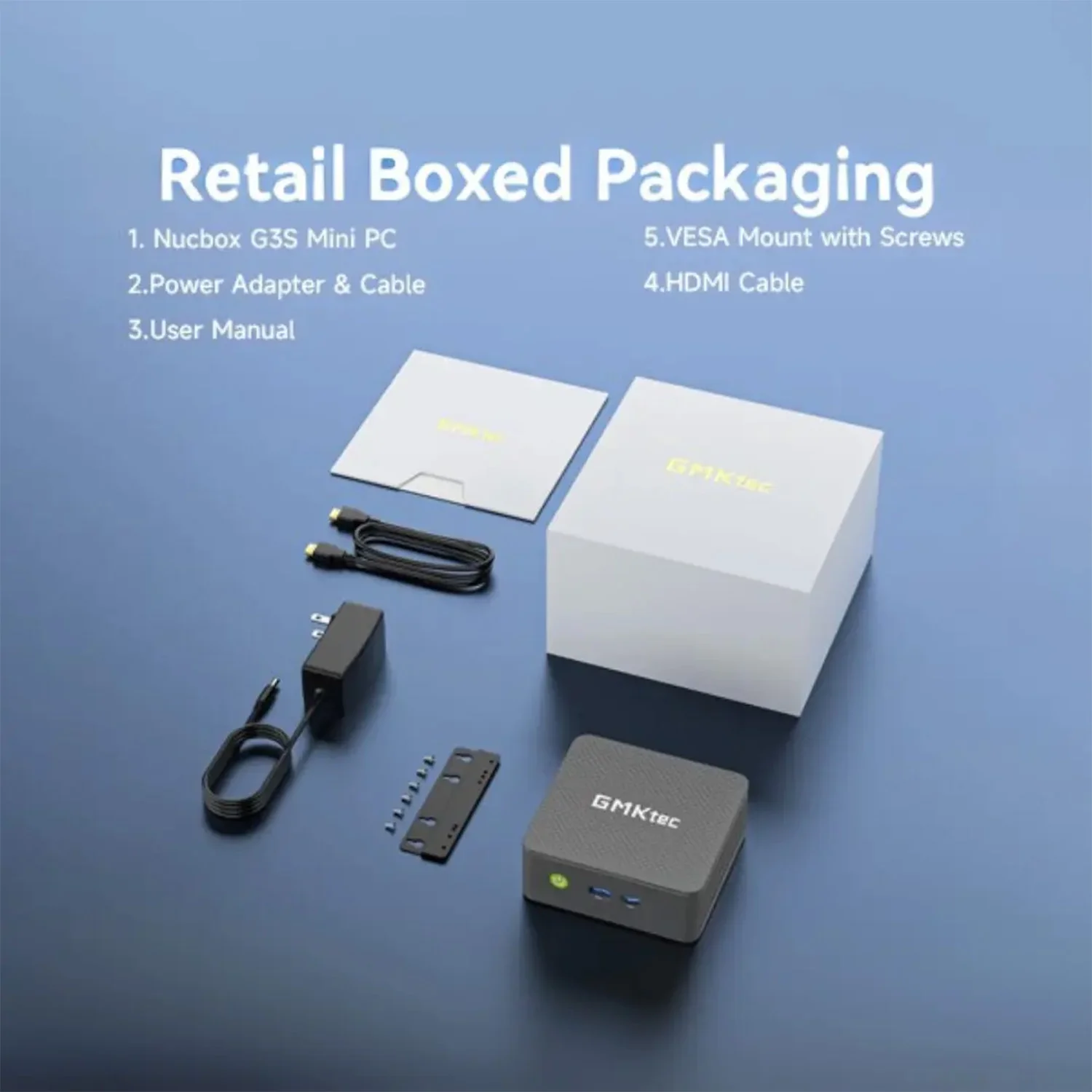
Retail Boxed, DROIX Supported and Ready for Your Setup
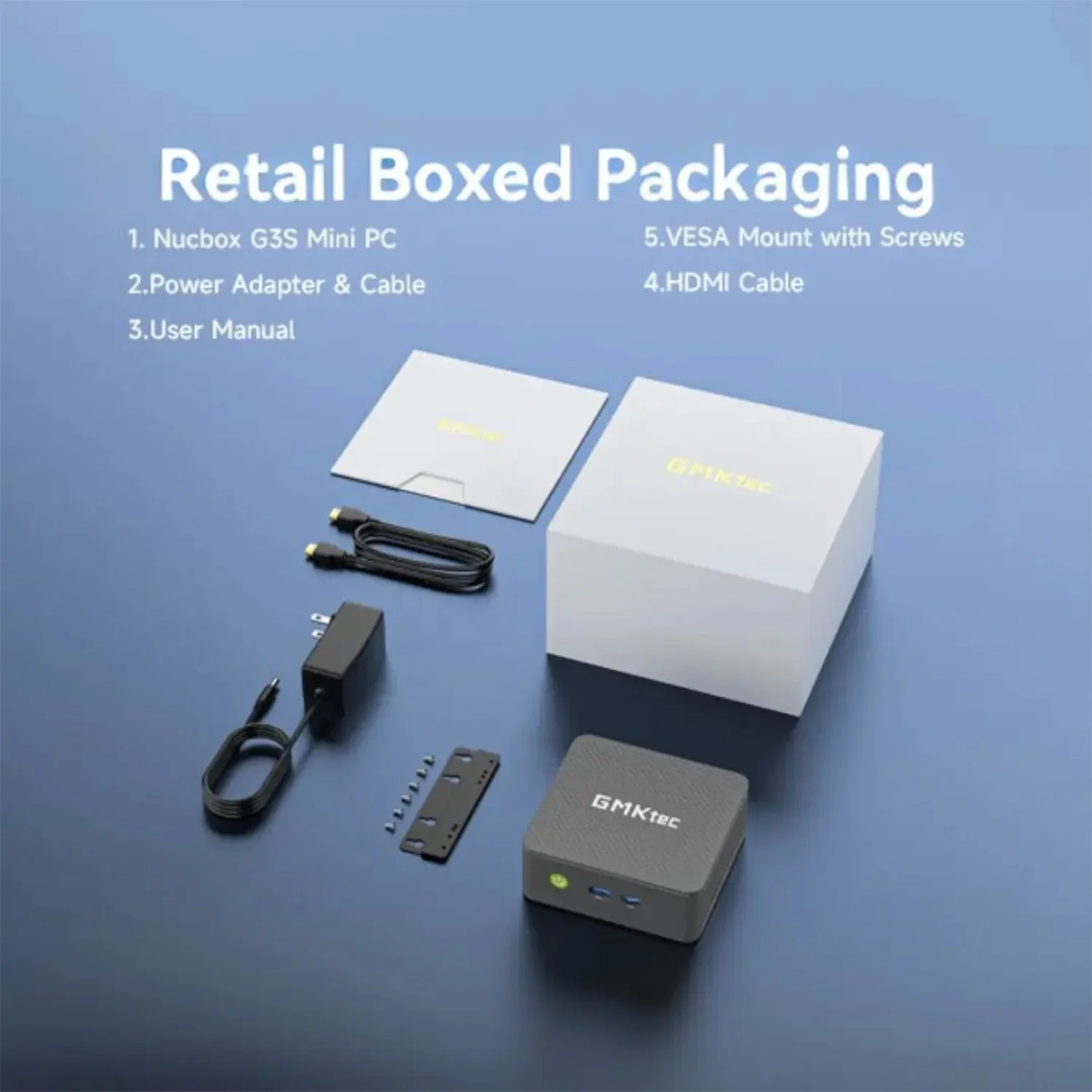
The GMKtec NucBox G3S is supplied in retail boxed packaging, giving you a clean, straightforward starting point for a new mini PC setup. Add your display, keyboard, mouse and preferred network connection, and Windows 11 Pro gives you the familiar desktop environment to get configured quickly.
Buying from DROIX gives you more than just the hardware. As a specialist UK/EU retailer for handheld gaming PCs, mini PCs and portable computing devices, DROIX understands the details that matter: operating systems, ports, display outputs, storage types, wireless standards and real-world use cases.
Your purchase is backed by the official DROIX warranty and supported by fast global shipping, giving you confidence whether you are buying the NucBox G3S for home, work, education, signage or a compact productivity setup.
Frequently Asked Questions
Is the GMKtec NucBox G3S good for everyday office work?
Yes. The GMKtec NucBox G3S is well suited to everyday office work thanks to its Intel N95 processor with 4 cores and 4 threads, 8GB DDR4 3200 MT/s memory and 256GB NVMe PCI-E Gen 3.0 storage. It is a strong fit for documents, spreadsheets, email, web apps, video calls and general Windows 11 Pro productivity.
Can the GMKtec NucBox G3S run two monitors?
Yes. The GMKtec NucBox G3S includes 2× HDMI 2.0 ports, so you can connect two HDMI displays directly without needing a separate dock. This makes it ideal for a dual-monitor home office, business desk, reception system or dashboard setup where extra screen space helps you work more efficiently.
Does the GMKtec NucBox G3S come with Windows installed?
Yes. The GMKtec NucBox G3S comes with Windows 11 Pro pre-installed. That gives you access to the full Windows desktop ecosystem, including browsers, office software, communication tools, cloud services, media apps and compatible Windows programs, so you can use it like a standard desktop PC from day one.
What wireless connectivity does the GMKtec NucBox G3S support?
The GMKtec NucBox G3S supports Wi-Fi 6 and Bluetooth 5.2. Wi-Fi 6 gives you modern wireless networking for browsing, cloud work, streaming and downloads, while Bluetooth 5.2 lets you connect compatible wireless keyboards, mice, headphones, speakers and other accessories for a cleaner desk setup.
Is the GMKtec NucBox G3S suitable for gaming?
The GMKtec NucBox G3S is best viewed as a compact productivity and media mini PC rather than a dedicated gaming PC. Its Intel UHD Graphics (24 EU) supports DirectX 12, OpenGL 4.6 and OpenCL 3, making it suitable for desktop graphics, media playback, light gaming, retro titles and compatible cloud gaming services.
Why buy the GMKtec NucBox G3S from DROIX?
DROIX is a specialist UK/EU retailer focused on mini PCs, handheld gaming PCs and portable computing devices. When you buy the GMKtec NucBox G3S from DROIX, you get expert product knowledge, the official DROIX warranty and fast global shipping, giving you extra confidence with your compact Windows PC purchase.
 Add to cart